

Features
Six jobs. One app.
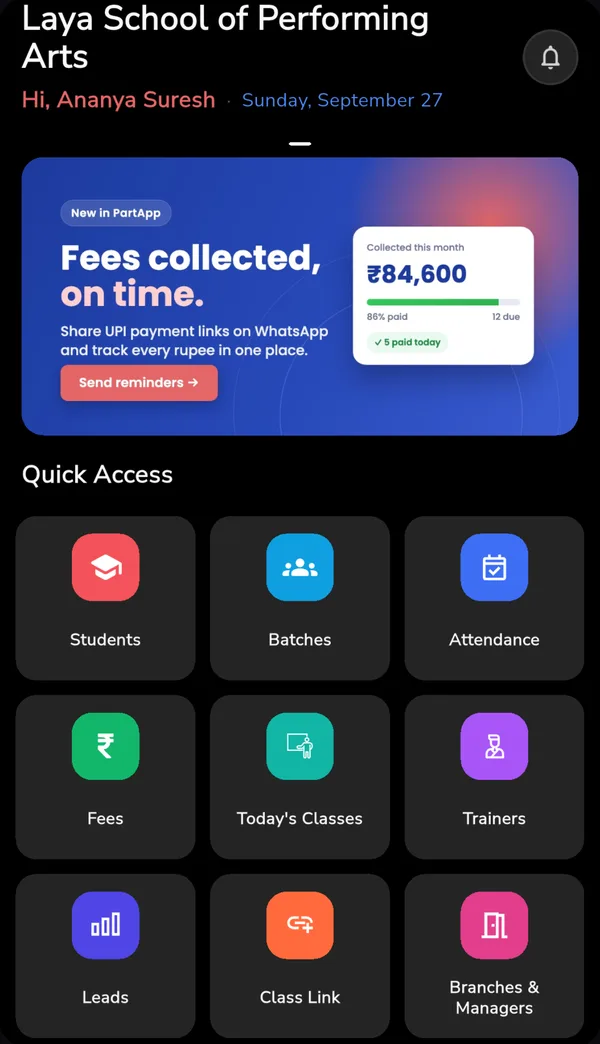
Six things an academy has to get right, in one system rather than six. Students, attendance, fees, payroll, leads and parents.
- Start with one feature, add the rest later
- Existing student data imported, not retyped
- Apps for staff and parents, web for the office
Everything in PartApp
Everything your academy runs on.
PartApp exists because the parts of running an academy are not separate problems. Keeping them in different tools is what creates the reconciliation work.
 Attendance management
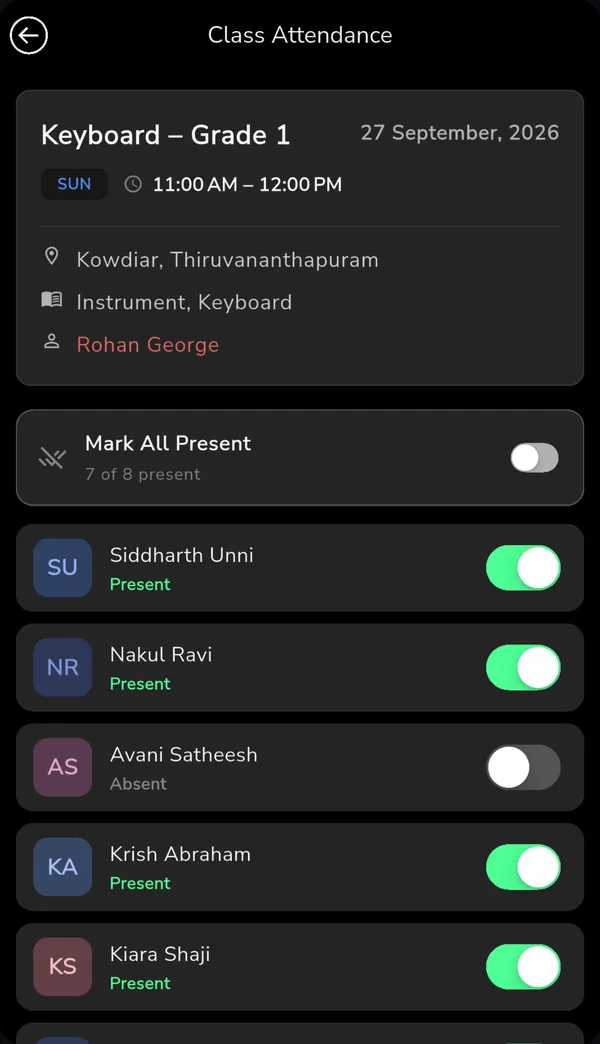
Mark a batch in seconds from a phone, with parents notified automatically and a permanent shared record.
Learn more
Lead management (mini CRM)
Every enquiry in one list with follow-up reminders attached, so prospective students are not lost to forgotten callbacks.
Learn more
Student management
Enrolment, digital records, batch allocation and role-based access for admins, trainers, students and parents.
Learn more
Payroll and salary
Trainer payroll assembled from classes actually taught, with same-day disbursals and a record both sides can see.
Learn more
Parent communication
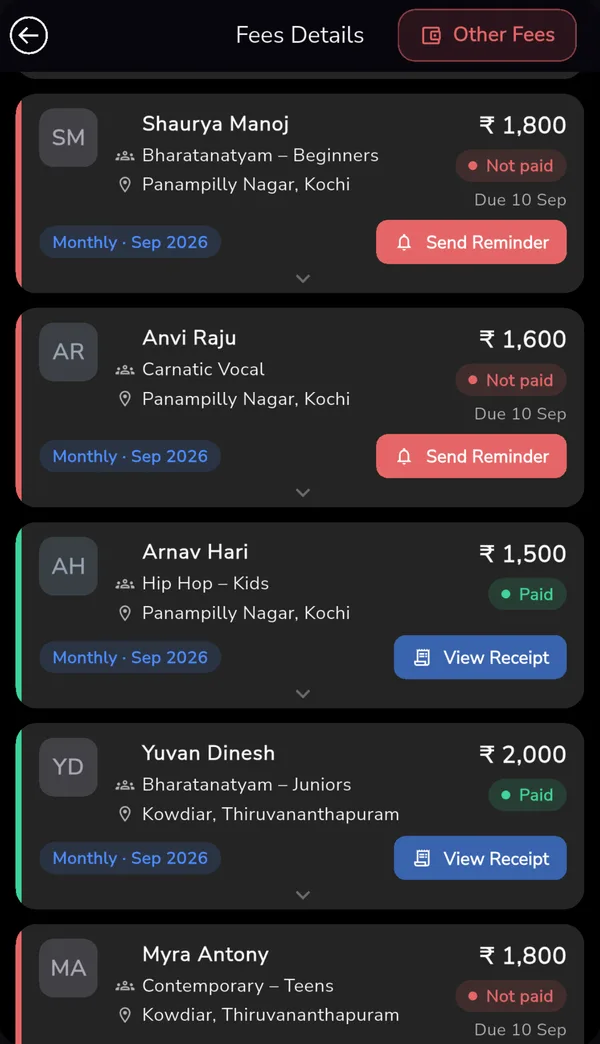
Attendance alerts, fee reminders and class updates that send themselves, instead of a WhatsApp group.
Learn more
Connected
How they fit together
Student management holds the records everything else reads from. Lead management is where students come from in the first place. Each feature is useful alone; the point is that none of them needs re-entering into the next.
- AttendanceBilling
Who attended decides who is billed.
- BillingParents
What is due decides which parents you contact.
- Classes taughtPayroll
Classes taught decide what trainers are owed.
Why one system
The cost is in the joins between tools.
Most academies do not lack tools. They have a spreadsheet for students, a payment app for fees, a WhatsApp group for parents and a notebook for attendance. Each works. The same information gets entered more than once, the copies disagree, and somebody spends the end of every month reconciling them.
Four separate tools
- A spreadsheet for students
- A payment app for fees
- A WhatsApp group for parents
- A notebook for attendance
Work that stops happening
- Nobody transcribes attendance into a payroll sheet
- Nobody cross-checks who has paid against who is enrolled
- Nobody re-types a converted enquiry into the student list
- Nobody reconciles copies that disagree at month end
Integration is not a feature you notice directly. It shows up as work that stops happening. That reclaimed time is the actual product, and it is why these six things are one system instead of six.
Getting started
Start with whatever hurts most
- Pick one feature
Usually fee collection or attendance, whichever is causing the most work today.
- Import your students
Existing records come across without a month of retyping in parallel.
- Staff and parents join
Trainers, students and parents use the app; the office gets the web console.
- Switch the rest on
Add the other features as staff get comfortable. None needs re-entering.
Who uses it
Built for academies and institutes
From around 50 students to several thousand. See the academies already using it.
Many subjects, batches and part-time faculty.
Monthly batches across styles and levels.
Per-class billing and per-hour instructors.
Frequent schedule and venue changes.
Rolling course starts all year.
Parents expecting regular progress visibility.
Startup India recognised and certified by Kerala Startup Mission



Common questions
Do we have to use all six features?
Can we import our existing student data?
Does PartApp work on both phones and computers?
A free, personal walkthrough with your own batches. 30-day free trial, no credit card.